# How to cancel a service?
Cancelling a Service can be incredibly easy. Navigate to your [Billing Panel](https://alienhost.net/dashboard.php).
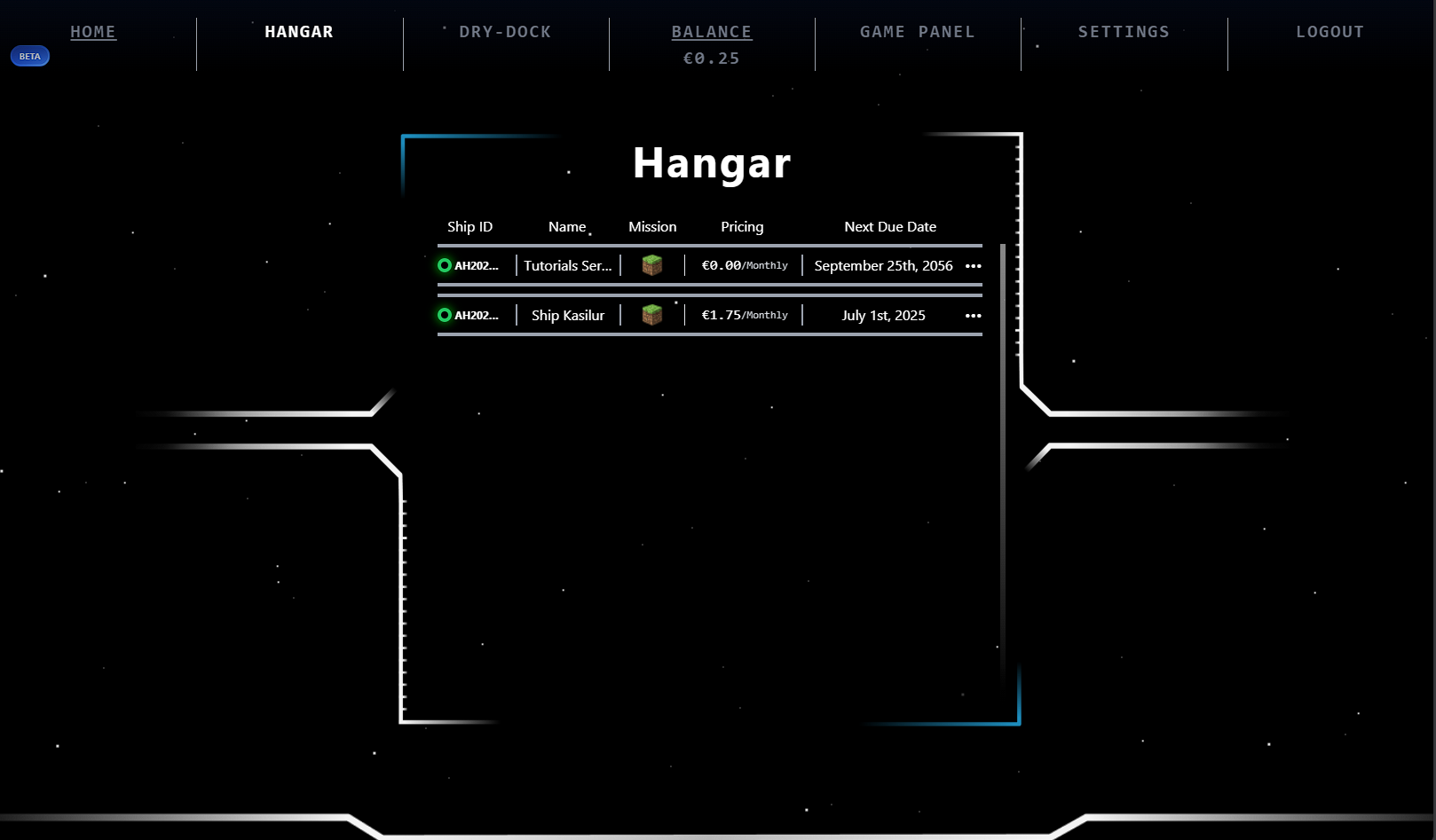
You will be prompted with a similar screen to this:
[](https://help.alienhost.net/uploads/images/gallery/2025-06/YO6image.png)
Click on the **3 dots**, In our case, **Tutorials Server.**
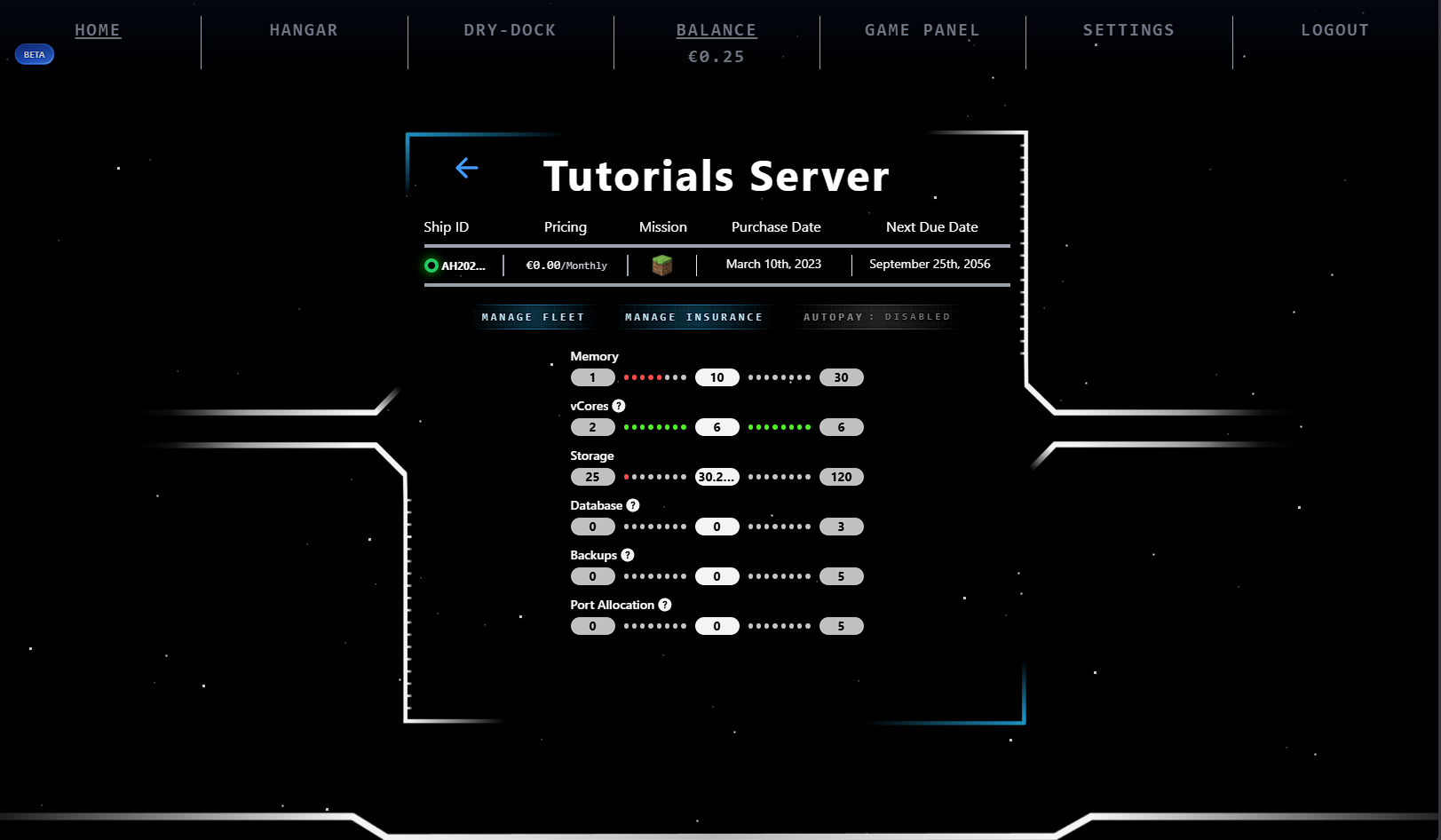
You will be now see screen like this:
[](https://help.alienhost.net/uploads/images/gallery/2025-06/Oh0image.png)
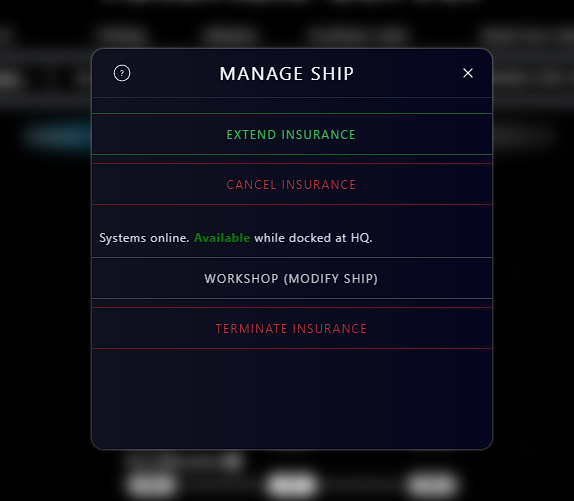
Click the **Manage Insurance** button, then click **Cancel Insurance**.
[](https://help.alienhost.net/uploads/images/gallery/2025-06/x5pimage.png)
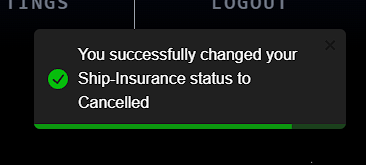
You will now see this popup on your page:
[](https://help.alienhost.net/uploads/images/gallery/2025-06/okYimage.png)
Your **Extend Plan** button will not be changed to **Renew Plan**.
And your status will now be: **Cancelled**
You successfully cancelled your server at Alien Host!