FAQ
- Why is my server using 100% of the CPU?
- I deleted all the files but am still using X GB of Storage
- How to get more storage for my server
Why is my server using 100% of the CPU?
While it sounds terrifying to see 100% usage of your CPU. Don't panic, while this is not perfect, your server should be running perfectly fine. You may think that 100% CPU usage, that the whole node your server is running on is overwhelmed. No.
On our Game Panel a 100% represents a single thread from the node's CPU. Typically, most of our CPU's on AlienHost consist of 2 Threads per 1 Core. In most cases, the usage of 100% you are experiencing on the Game Panel would only be a fraction of the whole CPU potential, so there is nothing to worry about, although you might notice in some games like Minecraft, once your CPU starts to reach 200% or even above it, the game performance might start to decrease, and your server might begin to lag.
For more accurate information about the load on the node your server is running on, please follow the following steps:
- Navigate to your Game Panel
- Find your server:

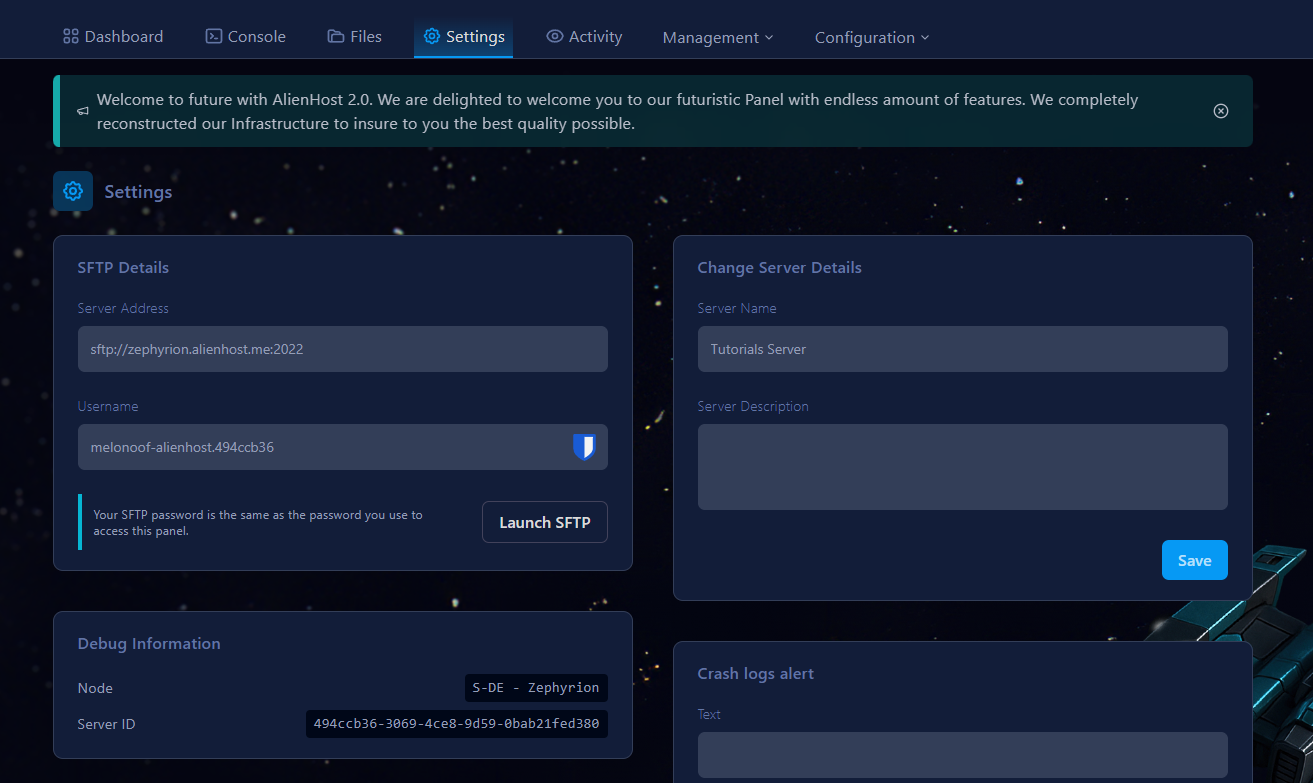
- Click on it and navigate to Settings tab

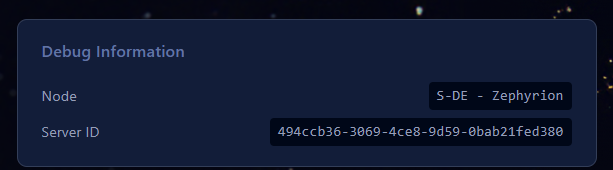
- You will be presented with a screen and information about your server. Remember the code name of your node. In this case it's S-DE - Zephyrion.

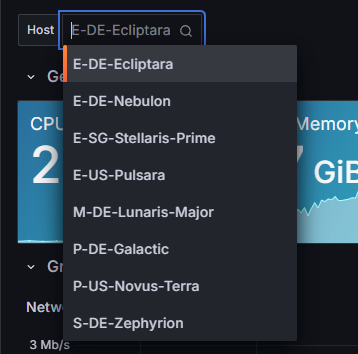
- Navigate to our Monitor Service and from the selector select the Node your server is located at:

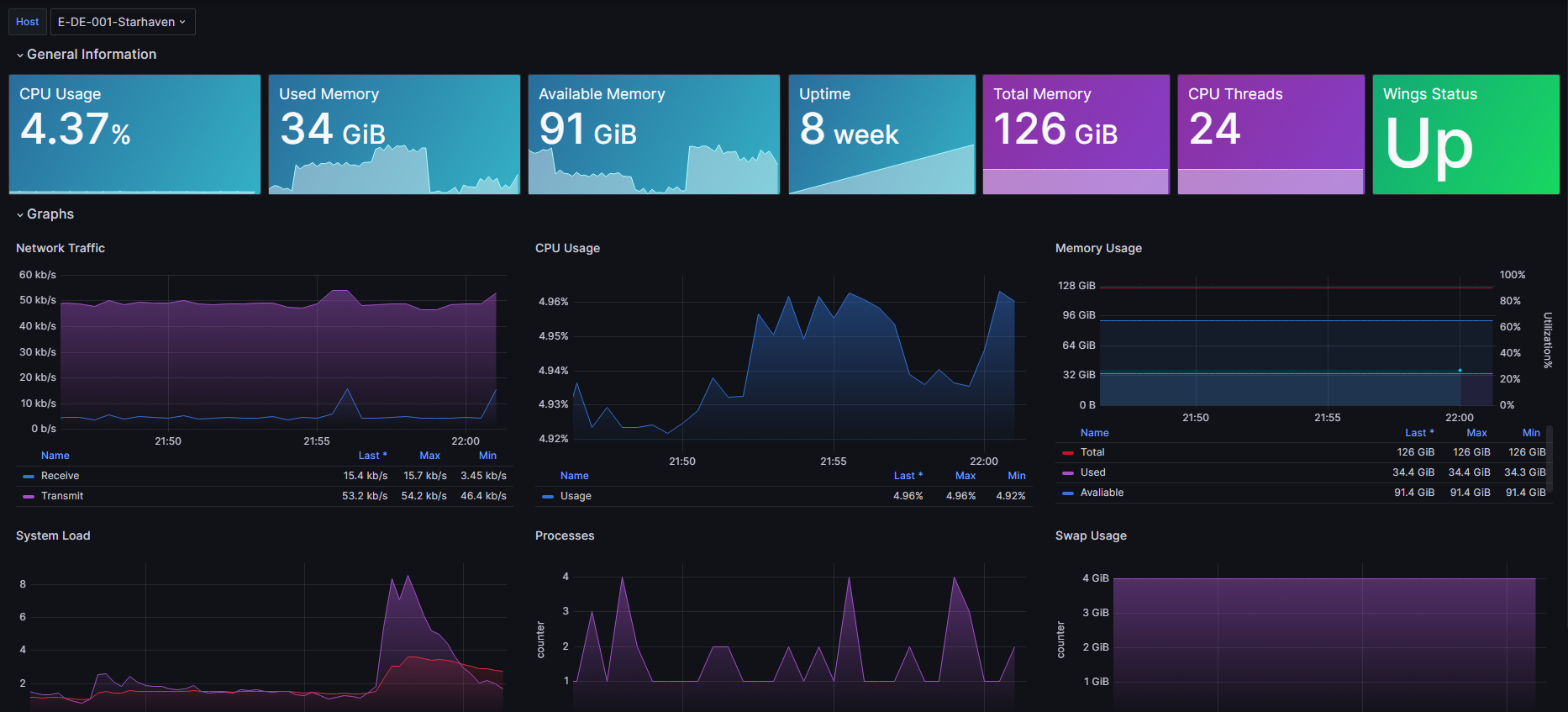
- Once you click it, you will be presented with LIVE information about the node your server is running on.

You can find a guide for optimising your server here!
I deleted all the files but am still using X GB of Storage
Did you delete all your server's files, but the server's storage is still being used? If the answer is yes, you can do the following things:
- Double check that there are no files on the server
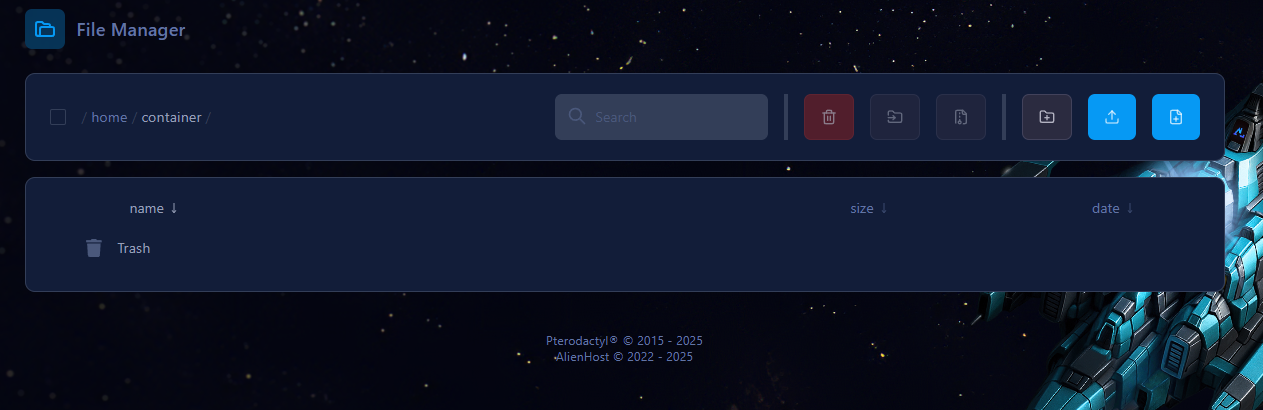
2. Check the trash bin of your server.
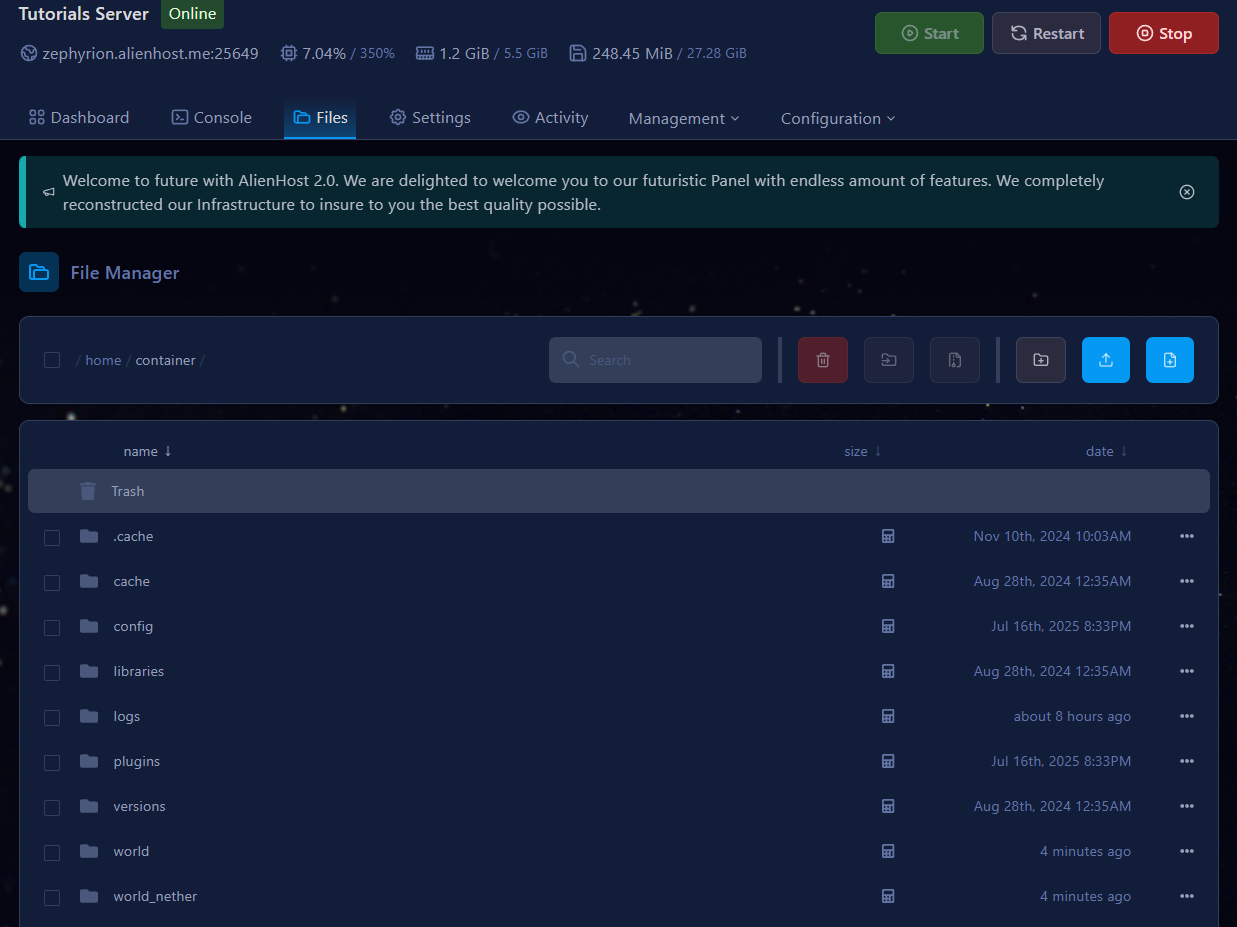
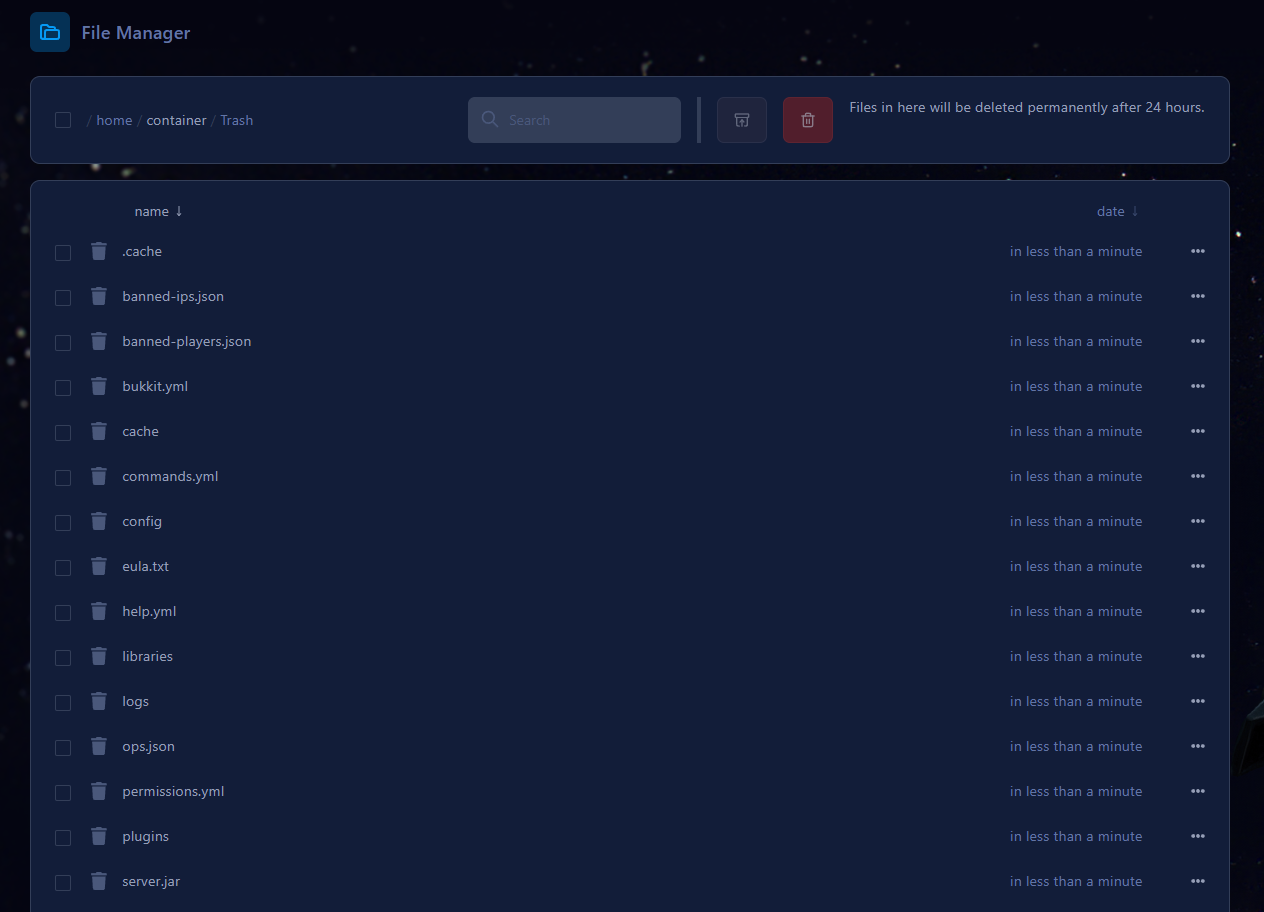
How to get more storage for my server
Upgrade's aren't always available, please read our article
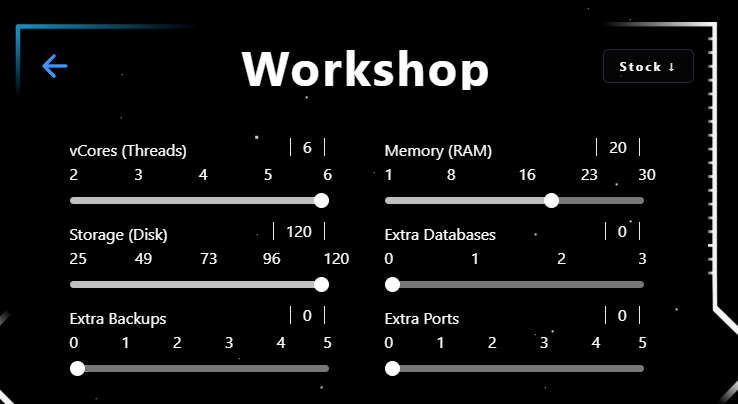
Head to our website and login, select the desired service. Click Manage Insurance and access the Workshop.
Shared node
Now you're in the workshop
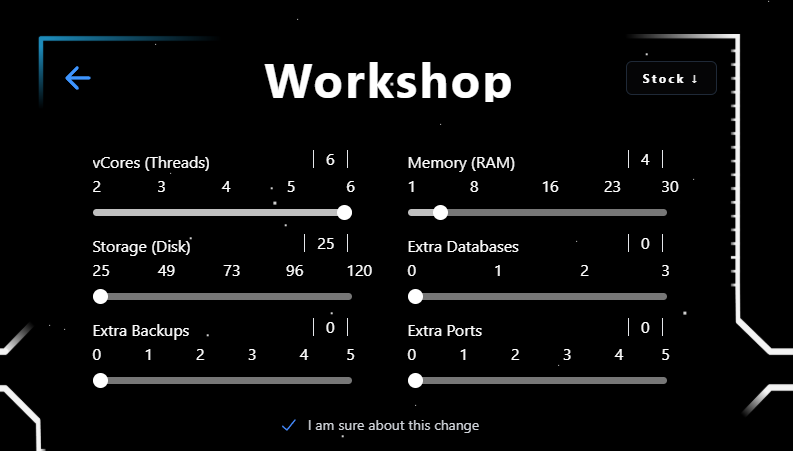
You cannot change the storage directly. But, by purchasing more RAM, the Storage allocated to you will automatically Increase
Dedicated Node:
Here you just change the storage as it is not tied to the RAM amount.