**Before following these steps, make sure to stop your server first. This is to avoiding breaking anything on your server while you edit.**
**Step 1:** Head to your game panel and look for your **File Icon** on the left hand side. // Photos to be added on AH 2.0 **Step 2:** Now follow this directory to get to adminlist.txt: **/home/container/.config/unity3d/IronGate/Valheim/adminlist.txt** [](https://help.alienhost.net/uploads/images/gallery/2024-11/image.png) **Step 3:** Add in there **SteamID64 (Dec)** to the file. Use this link to find players ID [https://www.steamidfinder.com/](https://www.steamidfinder.com/) [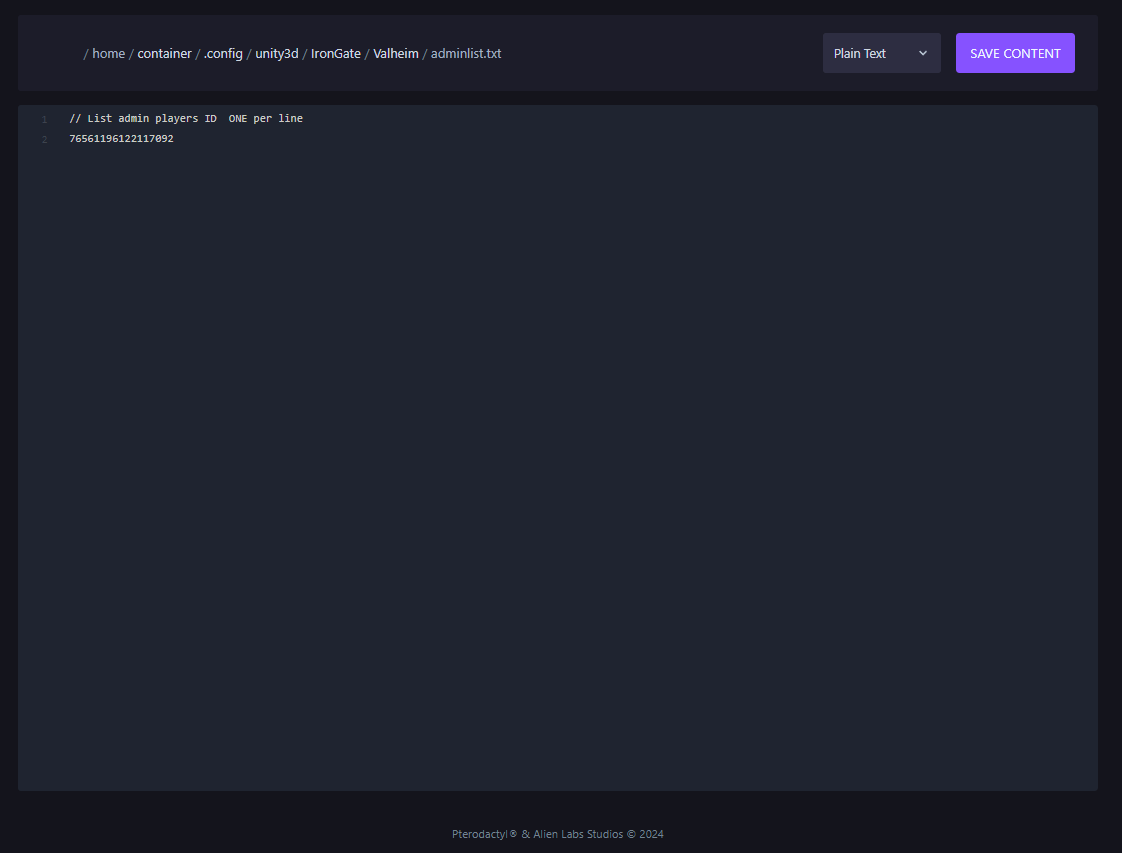](https://help.alienhost.net/uploads/images/gallery/2024-11/S4Jimage.png)If you want to add more admins to your server, just add there **SteamID** on another line as seen in the photo below.
[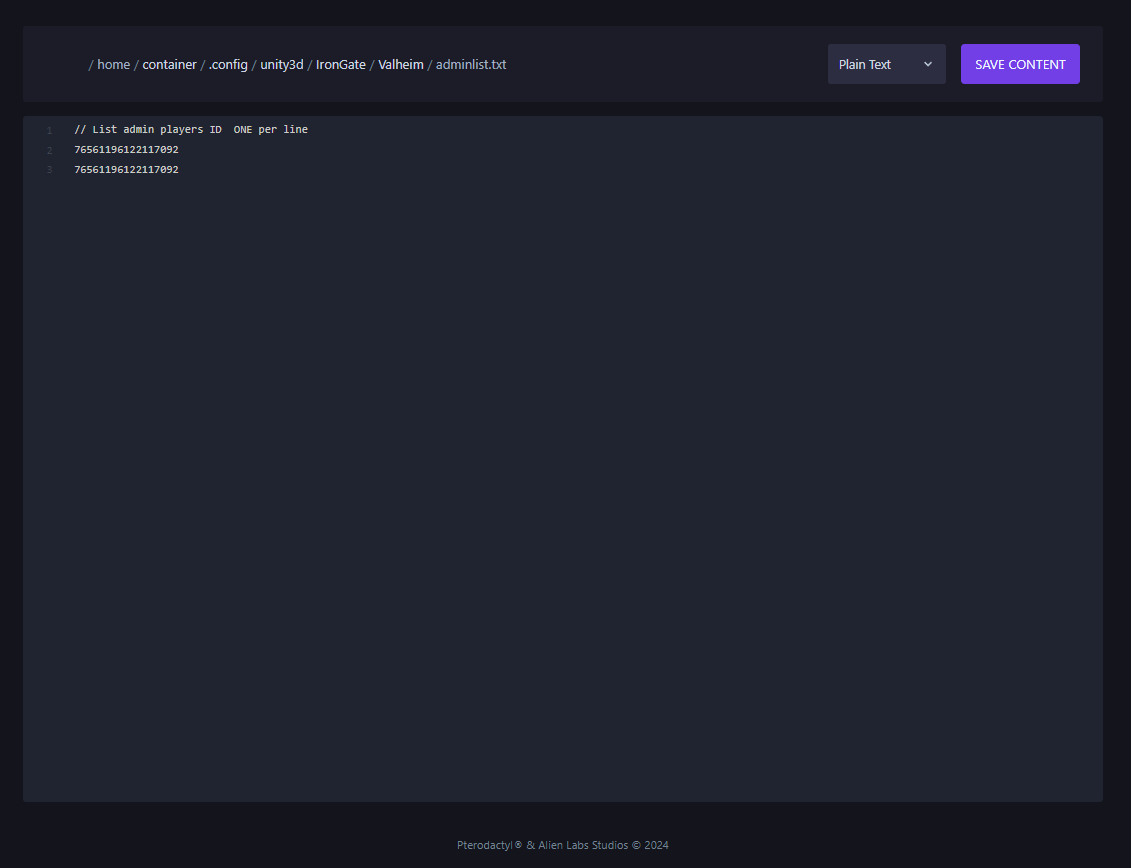](https://help.alienhost.net/uploads/images/gallery/2024-11/dUYimage.png)**After Completing these steps, save your file and you can go and start you server.**