
Getting Your Numeric IPv4
As you might have noticed in your Panel, your server does not contain a IPv4 ,just an alias which could look like e-de-001.alienhost.net while this is easier to read and remember it is unfortunately not always usable in certain configurations and settings, with this guide we will show you how to use the given alias and turn it into numeric IPv4:
You will be prompted with a screen similar to this:
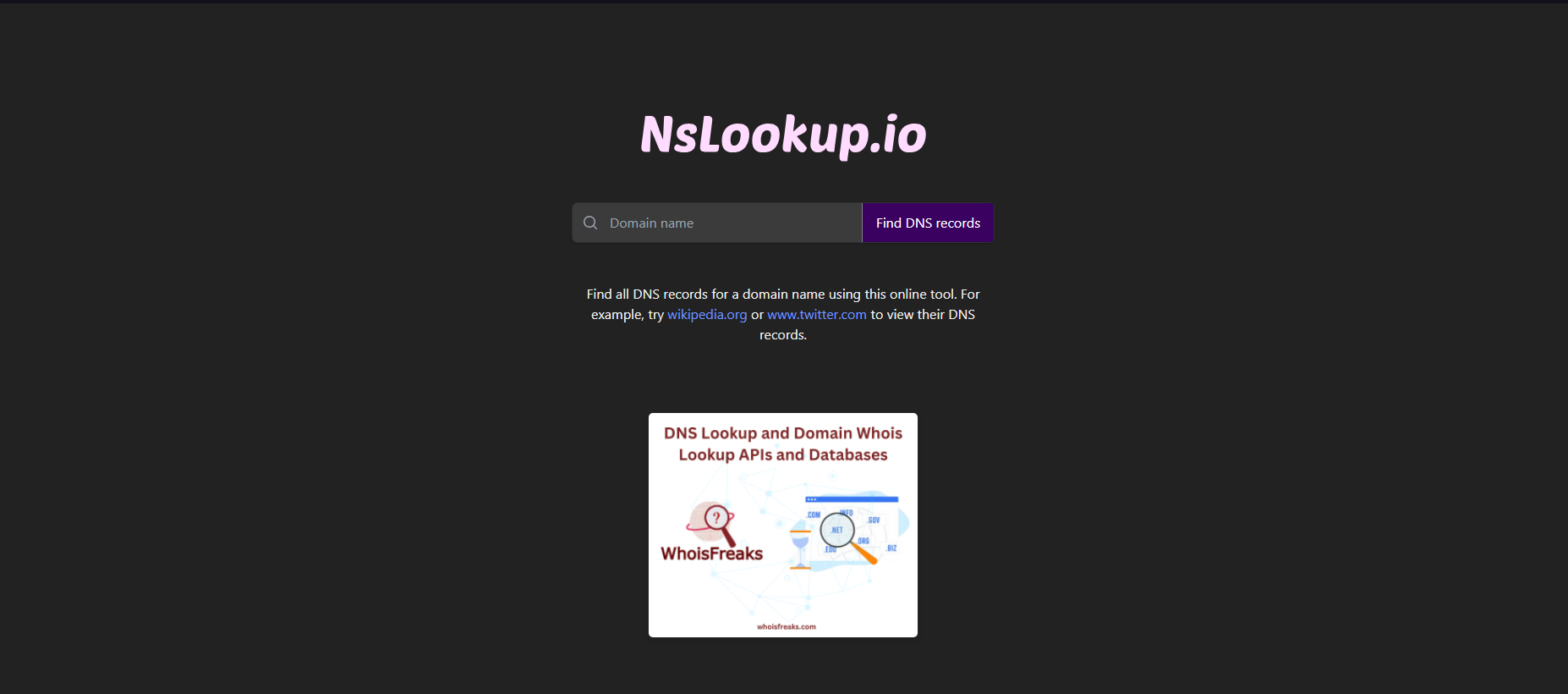

To
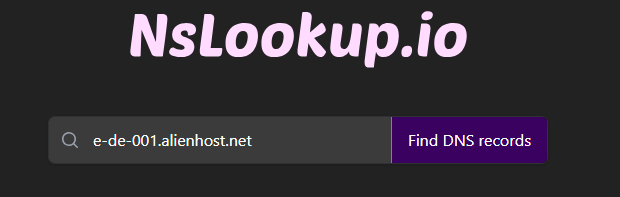
and click the button Find DNS records.
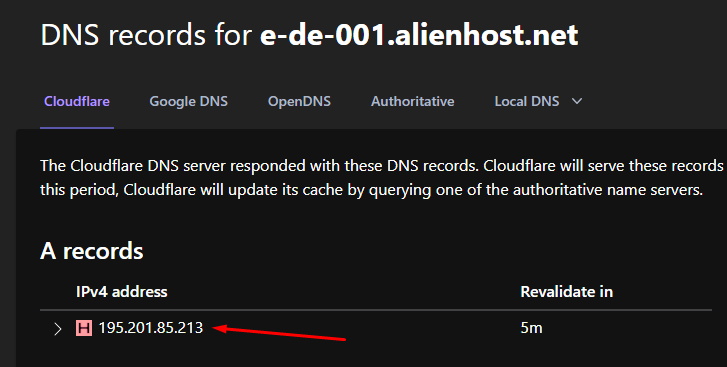
Where you can see the IPv4 of your server. In this case, 195.201.85.213.
Great! Now you have your IPv4 and you are ready to use it.